
Table of Contents
In today’s digital world, we constantly need to edit, convert, and optimize images for various purposes—whether it’s for social media, websites, documents, or personal projects. However, uploading your photos to random online tools raises serious privacy concerns. What if there was a better way?
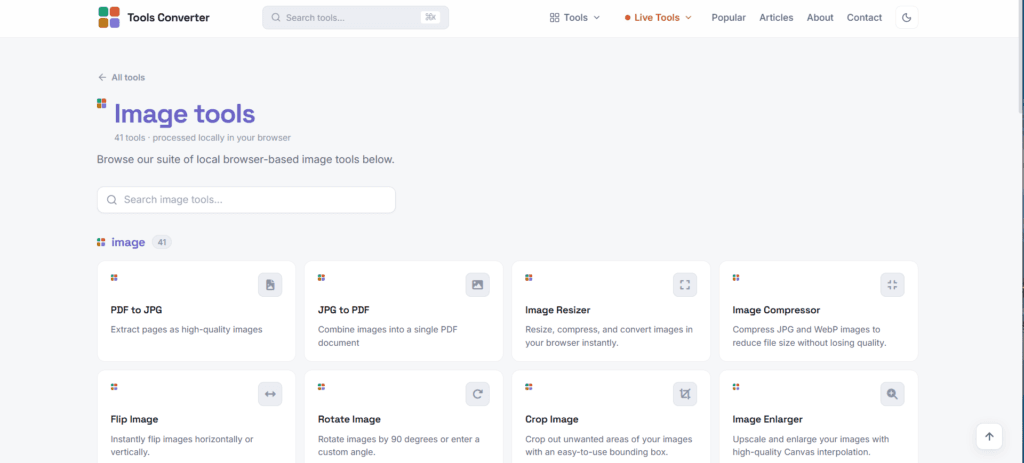
Tools Converter offers a comprehensive suite of 41 free image tools that process everything locally in your browser. No uploads, no servers, no privacy risks—just pure, fast, client-side processing.
Why Choose Tools Converter for Image Processing?
100% Private & Secure
Unlike traditional online converters, all processing happens directly in your browser. Your images never leave your device, ensuring complete privacy and security. This is especially important when handling:
- Personal photos
- Business documents
- Confidential designs
- Sensitive information
Lightning-Fast Performance
No upload wait times, no server queues. Process images instantly without internet dependency once the page loads.
Completely Free
All 41 image tools are free to use with no hidden fees, subscriptions, or watermarks.
Complete Image Tools Collection
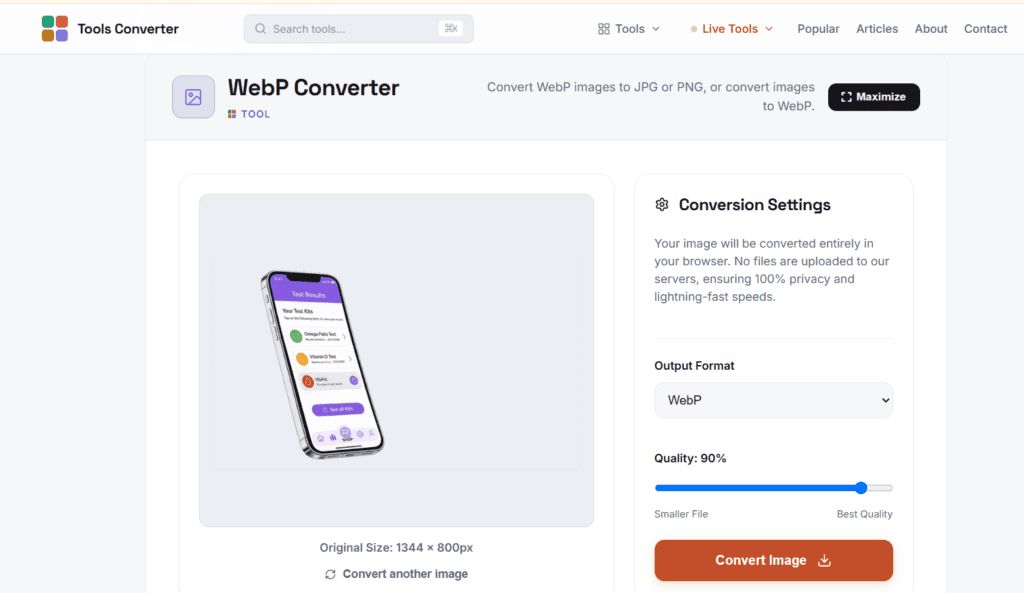
Image Format Converters
PNG to JPG Converter
Convert PNG images to JPG format instantly in your browser. Perfect when you need smaller file sizes for web publishing or email attachments.
JPG to PNG Converter
Convert JPG images to PNG format with full transparency support—ideal for logos, graphics, and designs that need transparent backgrounds.
WebP Converter
Convert modern WebP images to standard JPG or PNG formats, or convert your images to WebP for next-generation web performance.
AVIF Converter
Handle next-gen AVIF images by converting them to widely-supported JPG or PNG formats.
HEIC to JPG Converter
Convert Apple’s HEIC photo format to standard JPG, making iPhone photos compatible with any device or platform.
SVG Converter
Transform vector SVG graphics into raster formats like PNG or JPG for universal compatibility.
ICO to PNG Converter
Extract high-resolution transparent PNG images from Windows .ico icon files.
Image Editing & Enhancement Tools
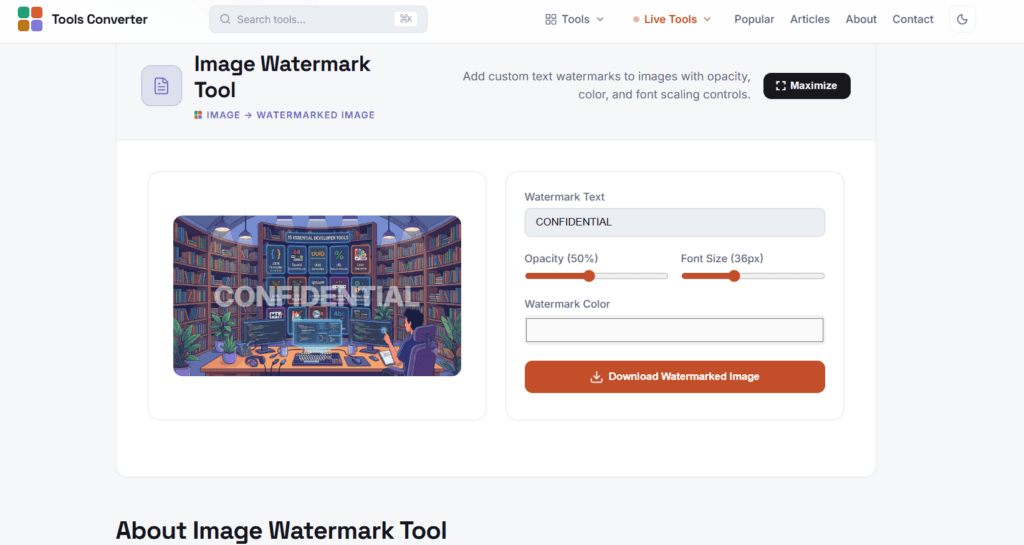
Image Resizer
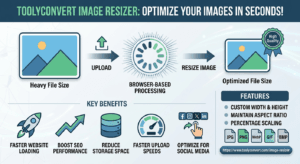
Resize, compress, and convert images instantly. Adjust dimensions by percentage or exact pixels while maintaining aspect ratio.
Image Compressor
Reduce JPG and WebP file sizes without sacrificing visual quality—perfect for optimizing web images and speeding up page load times.
Crop Image Tool
Precisely crop unwanted areas from your images using an intuitive bounding box interface.
Rotate Image
Rotate images by standard 90-degree increments or enter custom angles for precise orientation control.
Flip Image
Instantly flip images horizontally or vertically for mirror effects or orientation correction.
Image Enlarger
Upscale and enlarge images using high-quality Canvas interpolation algorithms.
Blur Image
Apply professional blur effects to images—great for privacy protection or artistic effects.
Sharpen Image
Enhance and sharpen blurry or soft images to restore clarity and detail.
Image Watermark Tool
Protect your images by adding custom text watermarks with adjustable opacity, color, and font size.
Background Remover
Remove solid background colors and export transparent PNG files—perfect for product photos and logos.
PDF & Image Integration
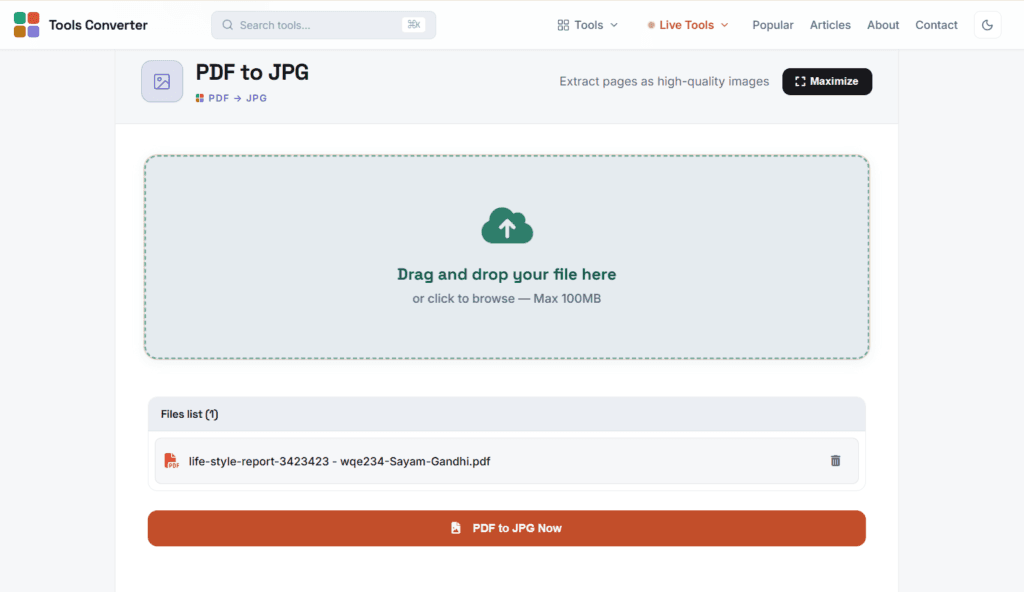
PDF to JPG Converter
Extract PDF pages as high-quality JPG images for easy sharing and editing.
JPG to PDF Converter
Combine multiple images into a single organized PDF document.
HEIC to PDF Converter
Convert Apple HEIC photos directly into standard PDF documents.
Icon & Favicon Tools
PNG to ICO Converter
Create Windows icon files from PNG images—essential for application development.
SVG to ICO Converter
Convert scalable SVG graphics to ICO format for crisp favicons at any size.
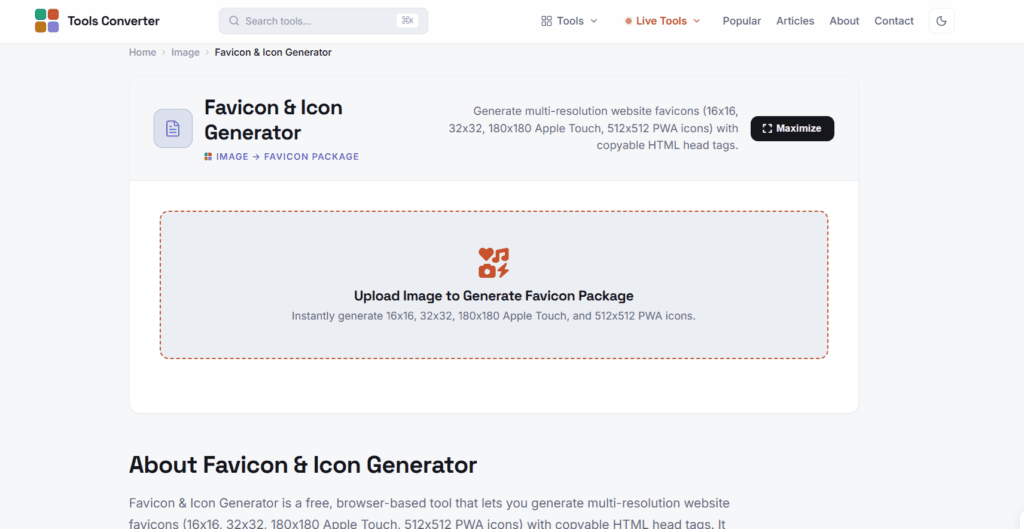
Favicon & Icon Generator
Generate complete favicon sets including 16×16, 32×32, Apple Touch icons (180×180), and PWA icons (512×512) with ready-to-use HTML code.
Social Media & Content Creation Tools
Social Media Image Resizer
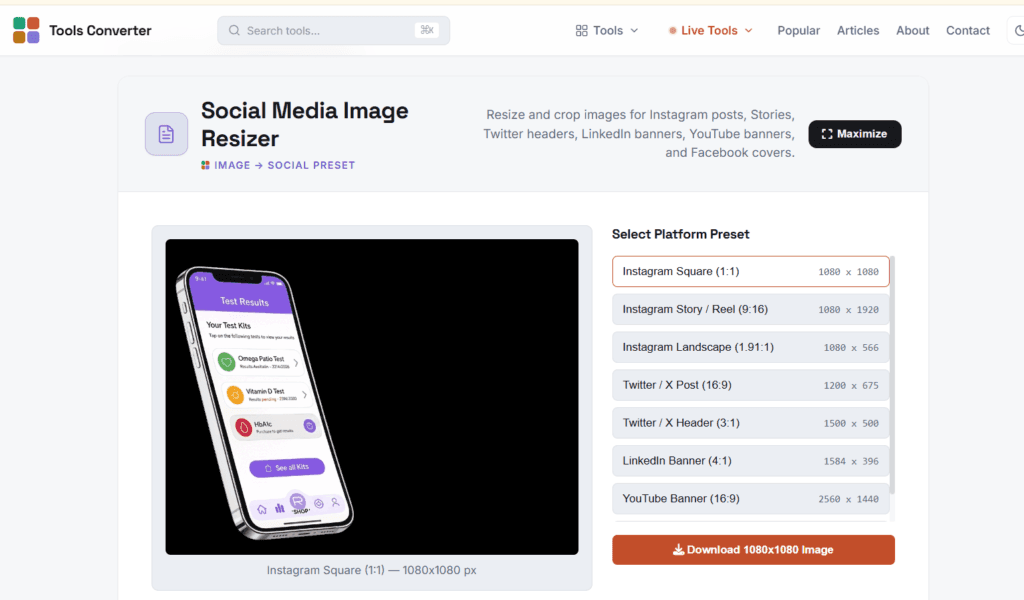
Perfectly size images for every platform:
- Instagram posts, Stories, and Reels
- Twitter/X headers and posts
- LinkedIn banners
- YouTube thumbnails and channel art
- Facebook covers and posts
Instagram Grid Maker
Slice large photos into 3×1, 3×2, or 3×3 numbered tiles to create stunning panoramic grids on your Instagram feed.
Meme Generator
Create custom memes with classic top and bottom text overlays—complete with impact font styling.
Photo Collage Maker
Combine multiple photos into attractive 2×2, 3×3, or side-by-side grid layouts.
Passport Photo Maker
Format portrait photos to official passport standards:
- US (2×2 inches)
- UK/EU (35×45 mm)
- India (3.5×4.5 cm)
iPhone Wallpaper Resizer
Resize graphics to exact iPhone screen dimensions for all models including iPhone 15 Pro Max, 14, 13, and SE.
Creative & Design Tools
QR Code Generator
Generate high-quality QR codes from URLs, text, contact information, or Wi-Fi credentials.
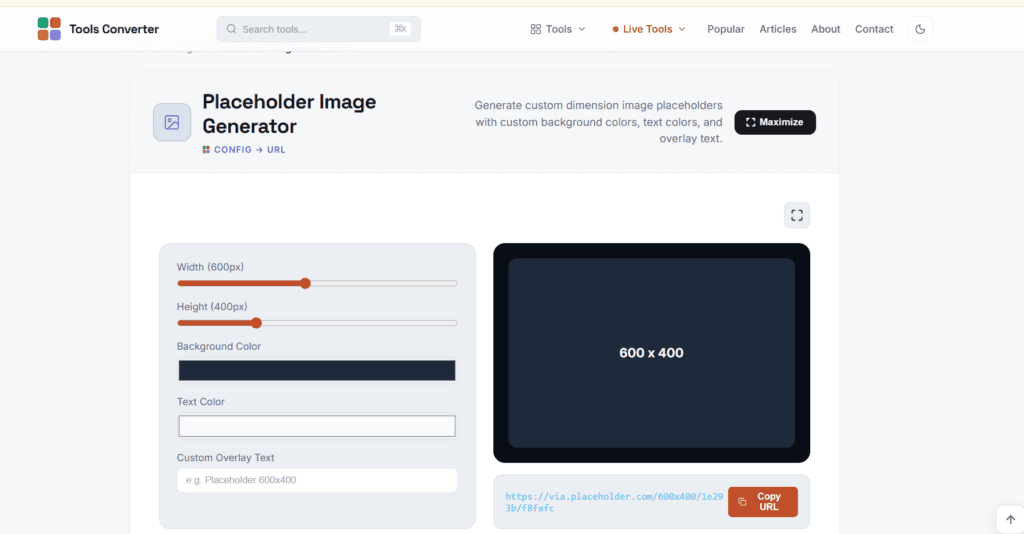
Placeholder Image Generator
Create custom-sized placeholder images with configurable colors and text—perfect for web development mockups.
Color Palette Extractor
Extract dominant colors and harmonious palettes from any image. Get HEX, RGB, and HSL codes plus exportable CSS variables.
Precision Color Picker
Sample exact pixel colors from images with live preview showing HEX, RGB, and HSL values.
Image RGB Histogram Analyzer
Visualize pixel distribution, brightness, contrast, and RGB channel intensity curves for advanced color analysis.
Image Border & Rounded Corner Generator
Add CSS-style rounded corners (border-radius), frames, padding, and background colors to images.
ASCII Art Generator
Transform images into ASCII text art or retro 8-bit pixel art graphics.
Advanced Technical Tools
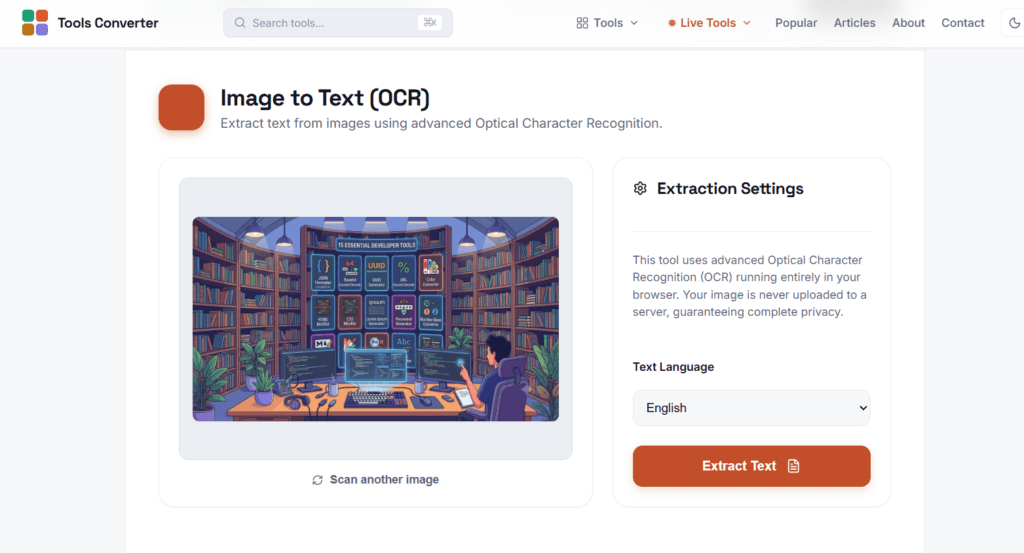
Image to Text (OCR)
Extract text from images using advanced Optical Character Recognition—perfect for digitizing documents and screenshots.
EXIF Data Viewer & Remover
Inspect camera metadata including:
- Camera make and model
- Exposure settings
- GPS location
- Timestamps
Then strip all EXIF data for privacy before sharing online.
SVG Optimizer & Cleaner
Minify and clean SVG code by removing unnecessary doctypes, comments, metadata, and whitespace—reducing file size significantly.
SVG Sprite Generator
Combine multiple SVG icons into a single optimized sprite sheet with <symbol> elements for improved website performance.
Live Photo to JPG Converter
Extract still frames from Apple Live Photos as standard JPG images.
Why Privacy Matters in Image Processing
When you upload images to traditional online converters:
- Your photos may be stored on remote servers
- EXIF data (including GPS location) can be harvested
- Images might be used for AI training or sold to third parties
- You’re dependent on internet connection and server availability
- Processing speed is limited by upload/download bandwidth
With Tools Converter’s browser-based processing:
- Images never leave your device
- Works offline after initial page load
- Instant processing with no upload delays
- Complete control over your data
- No file size limits or usage restrictions
Perfect For Every Use Case
Photographers
- Batch resize images for web galleries
- Remove EXIF metadata before publishing
- Convert RAW/HEIC to universal formats
- Create watermarked portfolio images
Web Developers
- Generate optimized favicons and icons
- Create SVG sprite sheets
- Extract color palettes for design systems
- Generate placeholder images for mockups
Social Media Managers
- Resize images for every platform
- Create Instagram grid layouts
- Generate QR codes for campaigns
- Make memes and visual content
Business Professionals
- Convert documents to PDF
- Create passport photos
- Remove sensitive EXIF data
- Compress images for email
Content Creators
- Make YouTube thumbnails
- Create collages and grids
- Generate custom graphics
- Extract text from images (OCR)
How It Works: The Technology Behind Browser-Based Processing
Tools Converter leverages modern web technologies:
HTML5 Canvas API – For image manipulation, drawing, and pixel-level editing
File API – For secure local file handling without uploads
JavaScript – For all processing logic executed client-side
Web Workers (where applicable) – For multi-threaded processing without blocking the UI
Modern Codecs – Support for WebP, AVIF, HEIC, and other next-gen formats
This combination ensures:
- Zero server dependency for processing
- Maximum privacy and security
- Fast, responsive performance
- Cross-platform compatibility
Getting Started with Tools Converter
- Visit Tools Converter
- Browse the 41 image tools or use the search function
- Select your desired tool (e.g., Image Resizer, PNG to JPG)
- Upload your image – it stays in your browser
- Apply your edits or conversions
- Download the result – processed entirely on your device
No registration, no subscriptions, no hidden costs.
Additional Tools Beyond Images
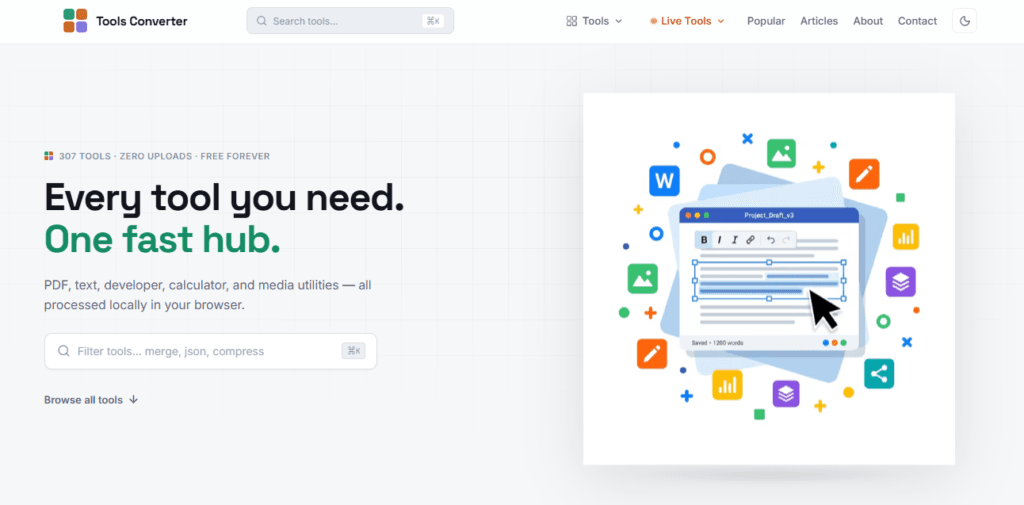
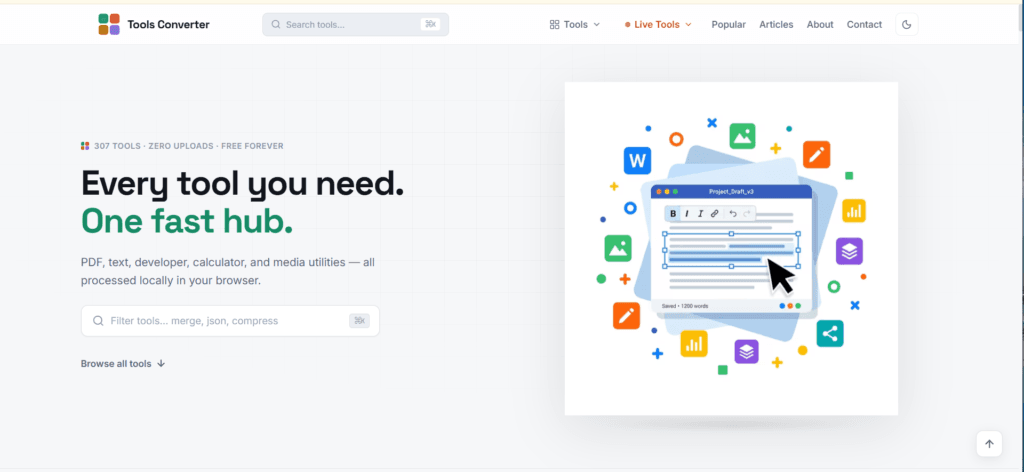
While this article focuses on our 41 image tools, Tools Converter offers 307 total browser-based tools across multiple categories:
- PDF Tools – Merge, compress, convert, edit, and protect PDFs
- Text Tools – Format, analyze, and transform text
- Developer Tools – Encode, decode, format JSON, minify code
- Calculator Tools – Financial, mathematical, and unit converters
- Media Tools – Audio and video processing
Explore the full collection at toolsconverter.com
Frequently Asked Questions
Q: Do I need to install anything?
A: No, all tools work directly in your web browser. No downloads or installations required.
Q: Are there file size limits?
A: Limits depend on your device’s memory, but there are no artificial restrictions imposed by us.
Q: Which browsers are supported?
A: All modern browsers including Chrome, Firefox, Safari, and Edge.
Q: Can I use these tools on mobile?
A: Yes, all tools are mobile-responsive and work on smartphones and tablets.
Q: Is there a premium version?
A: No, all 307 tools are completely free forever.
Q: How do you make money if it’s free?
A: We display minimal, non-intrusive ads. No paywalls, no forced subscriptions.
Conclusion: Privacy-First Image Processing
In an era where data privacy is increasingly important, Tools Converter provides a refreshing alternative to traditional online image tools. With 41 specialized image tools that process everything locally in your browser, you get:
- Complete privacy – No uploads, no tracking
- Lightning speed – No internet bottlenecks
- Professional results – High-quality processing
- Zero cost – All tools free forever
Whether you’re a photographer, designer, developer, marketer, or just someone who occasionally needs to edit images, Tools Converter has the right tool for the job.
Start processing your images privately today at toolsconverter.com
Popular Image Tools Quick Links:
- Image Resizer – Resize & compress images
- PNG to JPG – Convert formats instantly
- Background Remover – Remove backgrounds
- Image Compressor – Reduce file sizes
- QR Code Generator – Create QR codes
- Favicon Generator – Generate website icons
- Social Media Resizer – Perfect platform sizing
- OCR Tool – Extract text from images
About Tools Converter
Tools Converter is a free online platform offering 307 browser-based tools for PDF processing, image editing, text manipulation, developer utilities, and calculations. Built with privacy and performance in mind, all tools process data locally in your browser without uploads.
Website: https://toolyconvert.com
Category: Image Tools, PDF Tools, Converters, Online Utilities
Privacy: 100% Local Processing, No Data Collection