
Table of Contents
Resume Writing Matters.
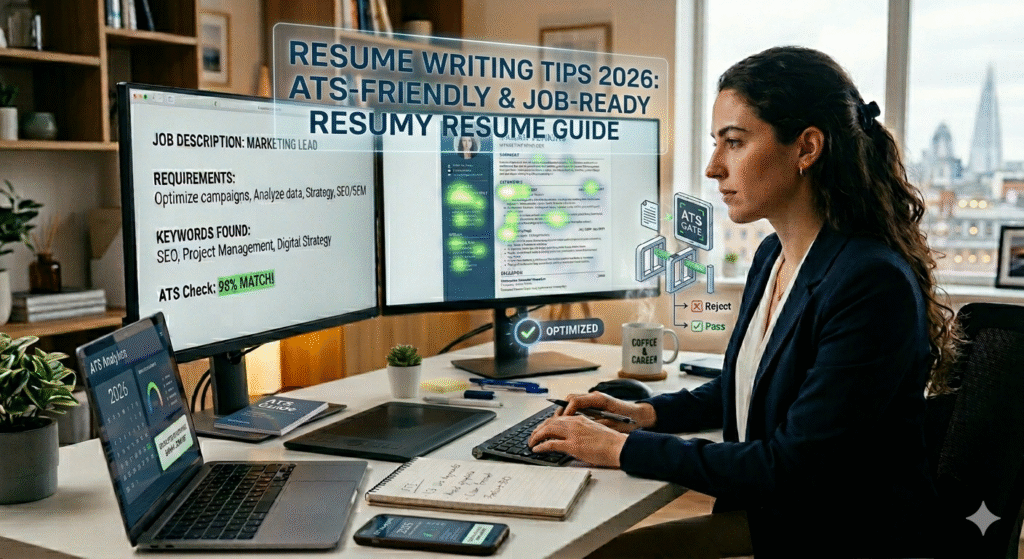
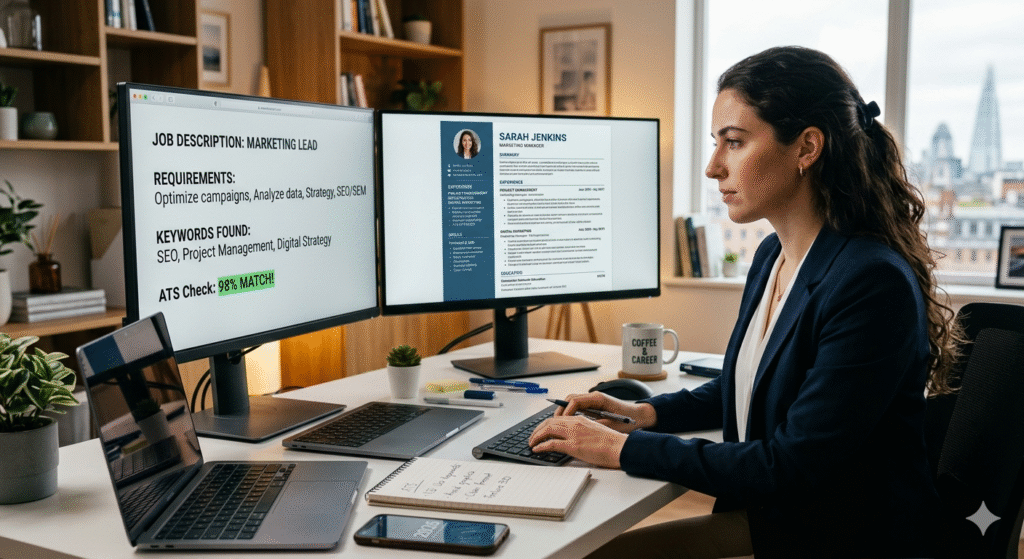
Getting past the ATS (Applicant Tracking System) is now more important than ever. In 2026, about 98% of Fortune 500 companies use ATS software to filter resumes before any human sees them. Let me show you how to create a resume that beats the bots and impresses hiring managers.
What is ATS and Why Should You Care (Resume Writing)?
ATS is software that scans your resume for keywords, formatting, and relevant experience. If your resume isn’t ATS-friendly, it gets rejected automatically—even if you’re the perfect candidate.
Think of ATS as a gatekeeper. You need to get past it first before a real person reads your resume.
1. Choose the Right Format
Use simple, clean formatting:
- Stick to standard fonts: Arial, Calibri, Georgia, or Times New Roman (10-12pt)
- Avoid tables, text boxes, headers, and footers
- Don’t use images, graphics, or logos
- Save as .docx or PDF (check job posting for preference)
- Use standard section headings
Good section headings ATS recognizes:
- Work Experience (not “Where I’ve Been”)
- Education (not “Academic Journey”)
- Skills (not “What I Bring to the Table”)
- Certifications
Creative headings confuse the ATS software.
2. Use Keywords Strategically
This is the most important part. ATS scans for specific keywords from the job description.
How to do it:
- Read the job posting carefully
- Highlight required skills and qualifications
- Use the EXACT same words in your resume
- Don’t just stuff keywords—use them naturally in context
Example:
If the job says “project management experience,” don’t write “managed projects.” Write “project management” exactly as it appears.
Pro tip: Use both acronyms and full terms
- “Search Engine Optimization (SEO)”
- “Applicant Tracking System (ATS)”
- “Customer Relationship Management (CRM)”
3. Structure Your Work Experience Correctly
Use this proven format:
Job Title | Company Name | Location | Dates
- Achievement with numbers
- Action verb + specific task + result
- Achievement with numbers
Example:
Digital Marketing Manager | ABC Company | New York, NY | Jan 2022 – Present
- Increased website traffic by 145% through SEO optimization and content strategy
- Managed $50,000 monthly advertising budget across Google Ads and social media platforms
- Led team of 5 marketers to achieve 30% improvement in lead generation
Notice:
- Numbers and percentages (ATS loves data)
- Action verbs (Managed, Increased, Led, Developed, Implemented)
- Specific achievements, not just duties
4. The Right Order Matters
Standard ATS-friendly resume structure:
- Contact Information (top of page, not in header)
- Full Name
- Phone Number
- Email Address
- City, State (full address not needed anymore)
- LinkedIn URL (optional but recommended)
- Professional Summary (2-3 lines)
- Work Experience (reverse chronological order)
- Education
- Skills
- Certifications (if applicable)
- Additional Sections (Languages, Volunteer Work, etc.)
5. Write a Killer Professional Summary
Keep it short—3 to 4 lines maximum. Include:
- Your professional title
- Years of experience
- Top 2-3 skills
- What you’re looking for (optional)
Example:
“Results-driven Marketing Manager with 7+ years of experience in digital marketing, SEO, and content strategy. Proven track record of increasing online engagement by 200% and managing teams of 10+. Seeking to leverage expertise in data-driven marketing to drive growth at a forward-thinking tech company.”
6. Skills Section Done Right
Create two categories:
Technical Skills:
List hard skills relevant to the job
- Software names (Microsoft Excel, Adobe Photoshop, Salesforce)
- Programming languages (Python, JavaScript, SQL)
- Tools and platforms (Google Analytics, HubSpot, Slack)
Soft Skills:
- Project Management
- Team Leadership
- Strategic Planning
- Problem Solving
Don’t rate yourself (5/5 stars or “Expert” labels can confuse ATS)
7. Common ATS Mistakes to Avoid
Using fancy fonts or colors
Putting important info in headers/footers
Using tables or columns
Saving as image or .pages file
Writing “References available upon request” (waste of space)
Including a photo (unless specifically requested)
Using uncommon abbreviations
Listing skills you don’t have (you’ll get caught in the interview)
8. Tailor Each Resume
I know it’s tempting to use one resume for everything. Don’t.
Spend 15-20 minutes customizing your resume for each job:
- Adjust keywords to match the job description
- Reorder bullet points to highlight relevant experience
- Modify your professional summary
It makes a huge difference.
9. Numbers That Get Attention
Always quantify your achievements when possible:
Instead of: “Managed social media accounts”
Write: “Managed 5 social media accounts with combined following of 50,000+, increasing engagement by 80%”
Instead of: “Improved customer satisfaction”
Write: “Improved customer satisfaction scores from 3.2 to 4.7 out of 5 through implementation of new feedback system”
Numbers make your achievements concrete and believable.
10. Test Your Resume
Before sending, test if it’s ATS-friendly:
Free ATS scanning tools:
- Jobscan (https://www.jobscan.co) – Compares your resume to job description
- Resume Worded (https://resumeworded.com) – Free ATS checker
- SkillSyncer (https://www.skillsyncer.com) – Keyword matcher
These tools show you exactly what ATS sees and suggest improvements.
Resume Length: How Long Should It Be?
The real answer:
- 1-5 years experience: 1 page
- 5-10 years experience: 1-2 pages
- 10+ years experience: 2 pages
Quality over quantity. Every line should add value.
Power Words That Work in 2026
Start bullet points with these action verbs:
Leadership: Directed, Coordinated, Supervised, Mentored, Led
Achievement: Achieved, Exceeded, Outperformed, Surpassed
Improvement: Enhanced, Optimized, Streamlined, Transformed, Improved
Creation: Developed, Designed, Created, Established, Built
Analysis: Analyzed, Researched, Evaluated, Assessed, Identified
Final Checklist Before Sending
Proofread 3 times (typos = instant rejection)
Ask someone else to read it
Check all dates are correct
Verify contact information works
Test ATS compatibility
Tailor keywords to the specific job
Save with clear filename: “FirstName_LastName_Resume.pdf”
Check file size is under 1MB
Bonus: LinkedIn Optimization
Your LinkedIn should match your resume. Many recruiters check both.
Quick LinkedIn tips:
- Use the same keywords
- Get a professional photo
- Write a compelling headline
- Request recommendations
- Keep your profile public
Resource: LinkedIn’s own guide – https://www.linkedin.com/help/linkedin/answer/a1349291
The Truth About Cover Letters
In 2026, cover letters are optional for most jobs UNLESS specifically requested.
If required, keep it:
- Under 300 words
- Focused on why you want THIS job at THIS company
- Show you researched the company
- ATS-friendly format (same rules as resume)
Additional Resources
Resume templates:
- Google Docs Resume Gallery (Free, ATS-friendly templates)
- Microsoft Office Resume Templates (https://templates.office.com/resumes-and-cover-letters)
- Canva ATS-friendly templates (https://www.canva.com/resumes/templates/)
Career advice:
- Indeed Career Guide (https://www.indeed.com/career-advice)
- The Muse (https://www.themuse.com/advice/resume)
- Harvard Business Review Career Section (https://hbr.org/topic/subject/career-planning)
Grammar check:
- Grammarly (https://www.grammarly.com) – Free version works fine
- Hemingway Editor (https://hemingwayapp.com) – Makes writing clear and concise
Final Thoughts
Creating an ATS-friendly resume isn’t hard—it just requires following the rules. Keep it simple, use keywords naturally, quantify your achievements, and tailor it for each job.
Remember: Your resume’s job is to get you an interview, not tell your entire life story. Focus on relevant achievements that prove you can do the job they’re hiring for.
The job market in 2026 is competitive, but a well-crafted, ATS-optimized resume puts you ahead of 75% of applicants who still use outdated formats.
Good luck with your job search! You’ve got this.